AI Santa Photo Generator
Put yourself (or any family member, or your dog) next to Santa Claus in a cozy holiday scene — from one photo you already have.
🔒 Your photo is never stored — it is used to generate your picture and deleted right after.
Click or drag a photo here to start (JPG / PNG, one clear face works best)
👨👩👧👦 Upload 2–4 photos, one clear photo of each family member (grandparents, parents, pets…)
Everyone in one photo — same style, same scene. Uses 1 HD credit, no watermark, never the free trial photo.
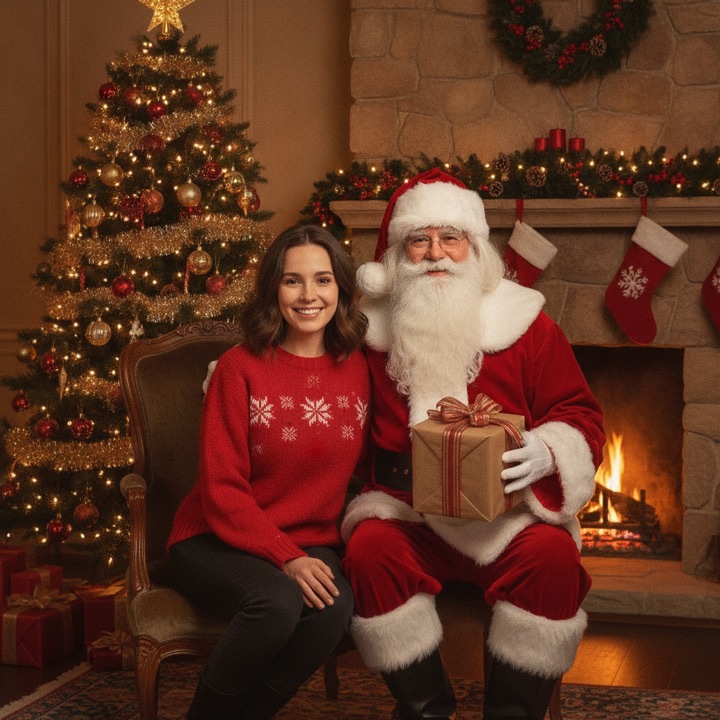
Classic Santa Visit
The timeless mall Santa photo, reimagined
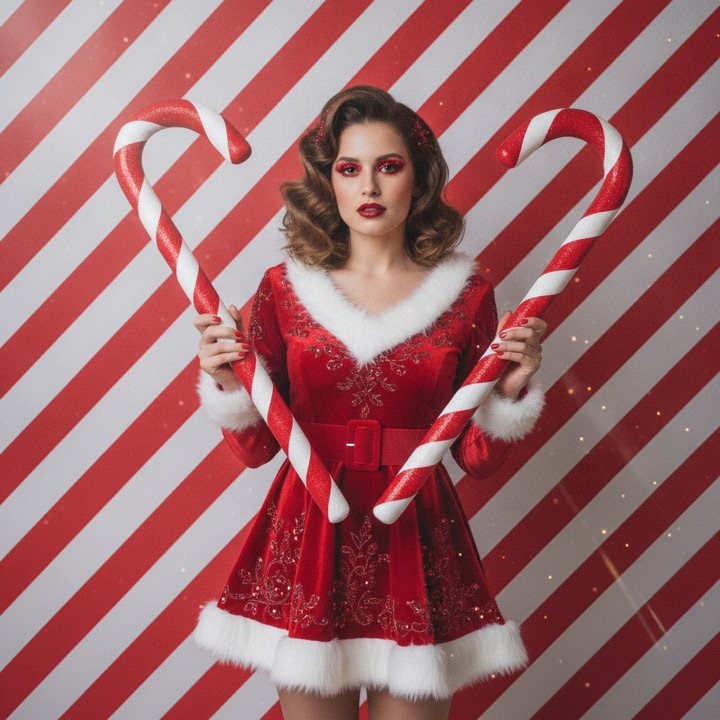
Candy Cane Portrait
The viral candy cane holiday look
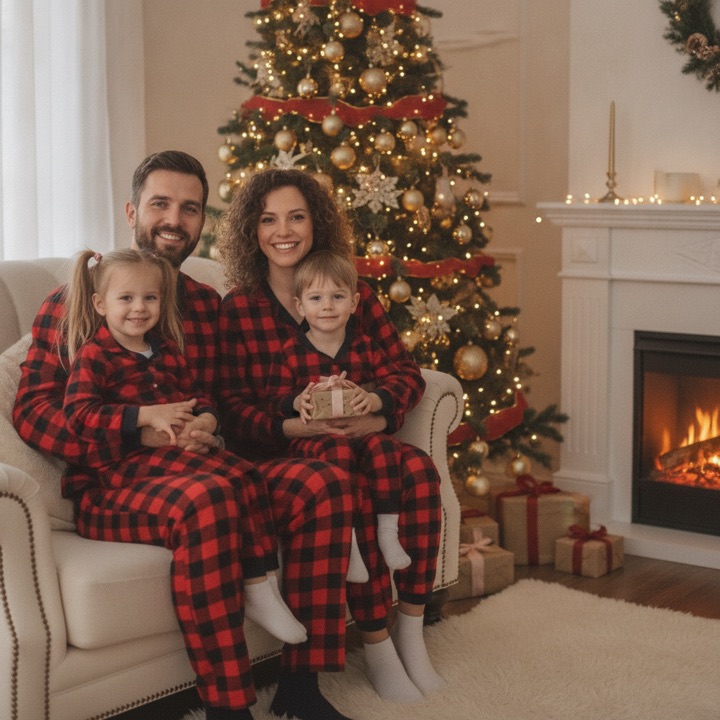
Cozy Christmas Pajamas
Matching family pajamas by the tree
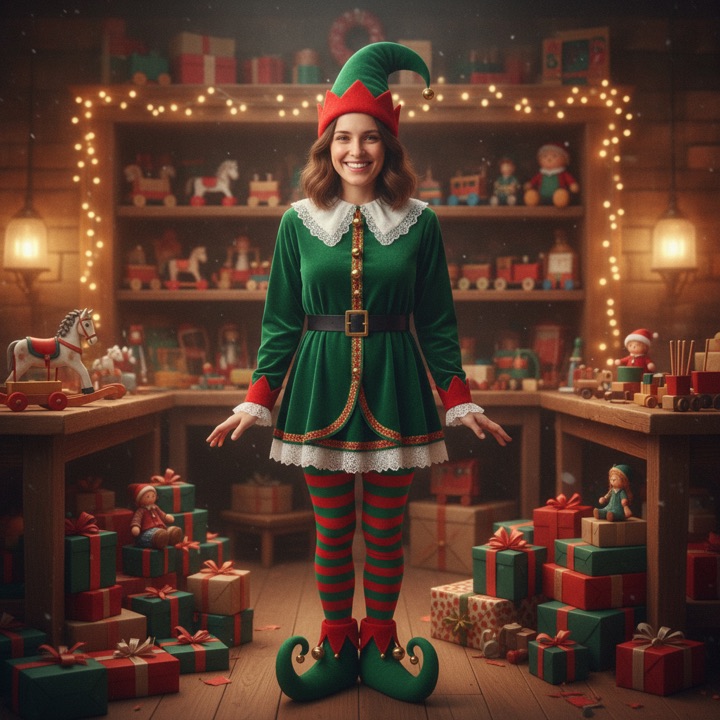
Elf Yourself
Become one of Santa’s helpers
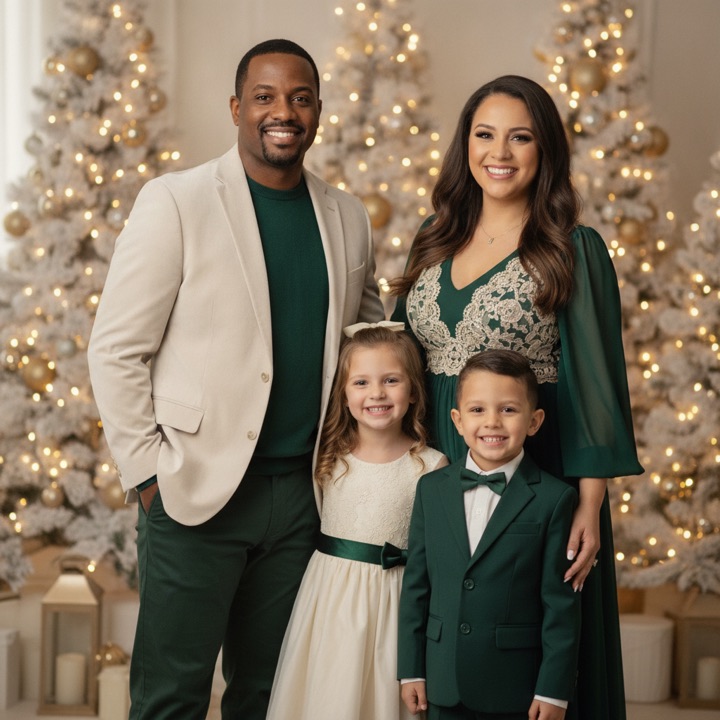
Christmas Card
A festive card-ready family shot
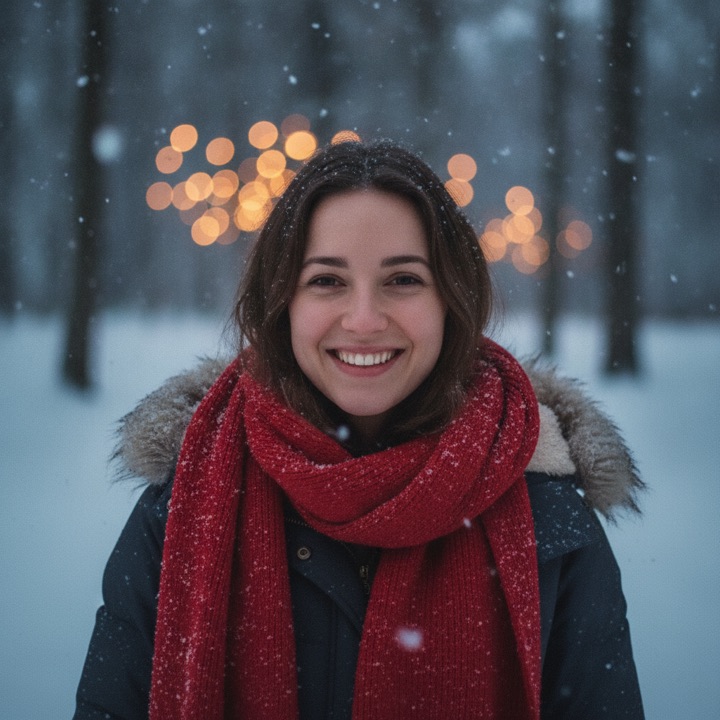
Snowy Wonderland
A magical walk in the snow
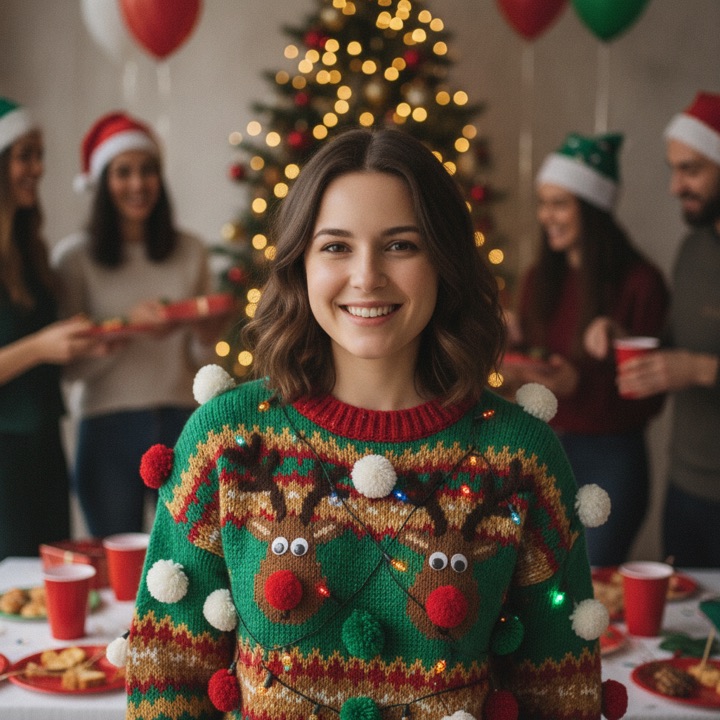
Ugly Christmas Sweater
The office party classic
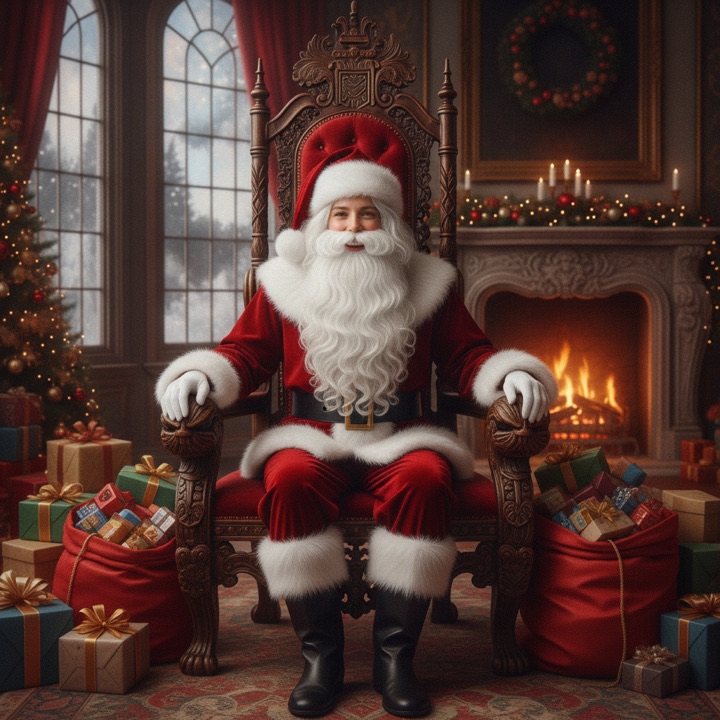
Become Santa
You in the big red suit
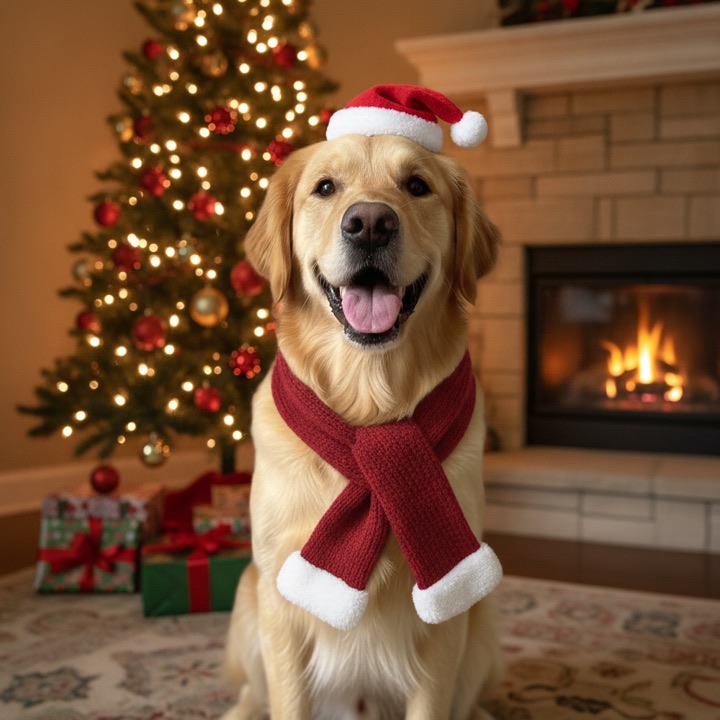
Pet Christmas Photo
Festive hats for your favorite companions
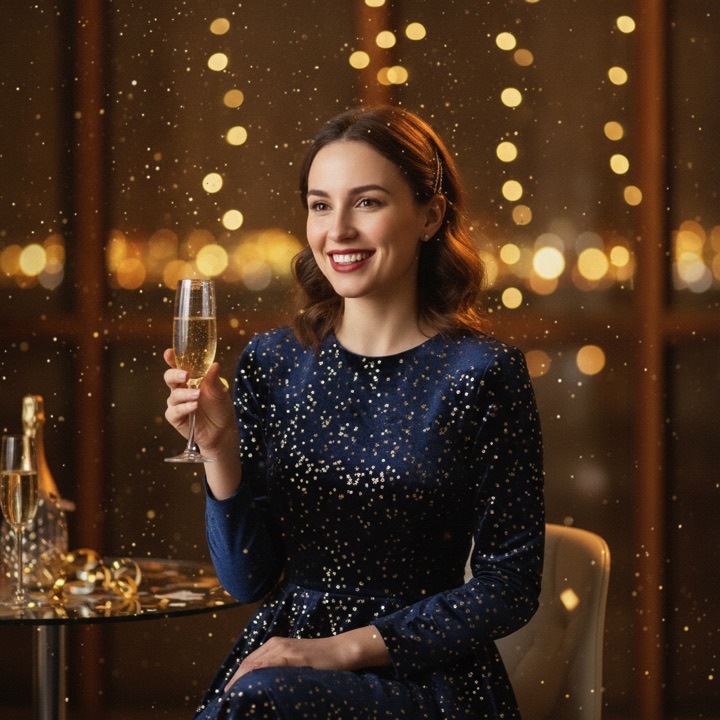
New Year Glam
Gold, sparkles, champagne
Want more photos?
Unlock watermark-free HD photos
- One-time payment, no subscription
- No watermark, HD
- All styles
⚡ One-time payment — no subscription, nothing to cancel.
⏳ Each code works on any device and stays valid for 30 days — every use resets the window.
No redeem code yet?Get HD for $4.90 →
Your recent photos (last 24h) — tap to view:
The Classic Santa Photo, Reimagined
For generations, the Santa photo meant a December trip to the mall: booked slots, long lines, and $40 for two prints. The AI Santa photo generator gives you the same treasured image — each family member taking their turn beside a jolly Santa in his red suit, Christmas tree glowing behind them — from a photo taken at home, in about thirty seconds.
The AI keeps every face exactly as it is. It only changes what a studio would: the outfit, the scene, the warm fireplace light. That is why the result feels like a real memory instead of a sticker.
Santa Photos for the Whole Family and Pets
Mall Santas close at 9 pm and daily life does not schedule around them. With an AI Santa photo you can generate the moment whenever it fits — a quiet evening portrait in Santa’s arms, the whole household in one frame, or the family dog wearing antlers on Santa’s lap. Generate one variation per person and print them together for the holiday card.
How to Get the Best Santa Photo
Use a clear, front-facing photo with good light. Avoid heavy filters or sunglasses — the AI works from the face it can see. Then pick Classic Santa Visit, press generate, and download. If you also want the viral red-and-white look this season, try the candy cane portrait or turn everyone into helpers with Elf Yourself.
How to Get the Best AI Santa Photo
Three small things make the difference between a good Santa photo and a great one. First, start with a clear, front-facing photo taken in even light — window light beats overhead lights, and no sunglasses. Second, upload one person per photo; for a family set, generate each person in the same Santa visit style and lay them out together on your card. Third, try more than one source photo: different angles of the same face give slightly different Santa scenes, and your favorite often is not the first.
The classic style works for every member of the household. Some want the nostalgic mall-style photo without the mall, some want the office-party portrait, and dogs get the photo that outperforms every human in the family group chat.
Questions People Ask About Santa Photos
The most common question is whether the photo looks real. The honest answer: it looks like a well-taken studio portrait, and it keeps your actual face — most viewers cannot tell it was generated unless told. The second question is whether pets work. They do, and a dog in a Santa hat consistently outperforms every other photo in the set. The third is about group shots: generate each family member separately in the same style and place them together — the studio treatment stays consistent, so the set reads as one afternoon.
FAQ
How do I make an AI Santa photo?
Upload a clear photo, choose the Classic Santa Visit style, and press generate. Your Santa photo is ready in about 30 seconds — free to try, no account needed.
Can I put any family member or pet in a Santa photo?
Yes. The AI works with every family member and pets. Use the clearest front-facing photo you have of them.
Does it look realistic?
The generator is tuned for studio-quality realism: natural skin, soft holiday lighting, and your real face preserved. Most people cannot tell it was AI-made.